 Notifications
Normal events like mounting and unmounting of a share as well as warnings and errors are reported to the user via system notifications. By default, when the user is notified about a normal event, a notification pops up silently. With warnings and errors a sound is also played. The screenshot below shows the notification that pops up after a share has been mounted.
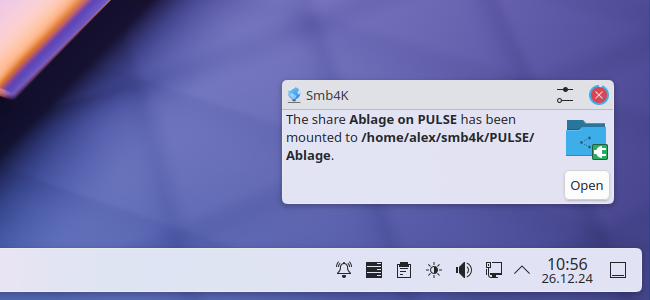
The default behavior of each notification can be changed via the System Settings.
Notifications can be managed via the System Settings. To modify the behavior of a notification, navigate to the page. In the section Application-specific settings click the button and choose Smb4K from the list that appears. The following dialog is opened:

All notifications can be edited here according to your preferences.