Creating a category
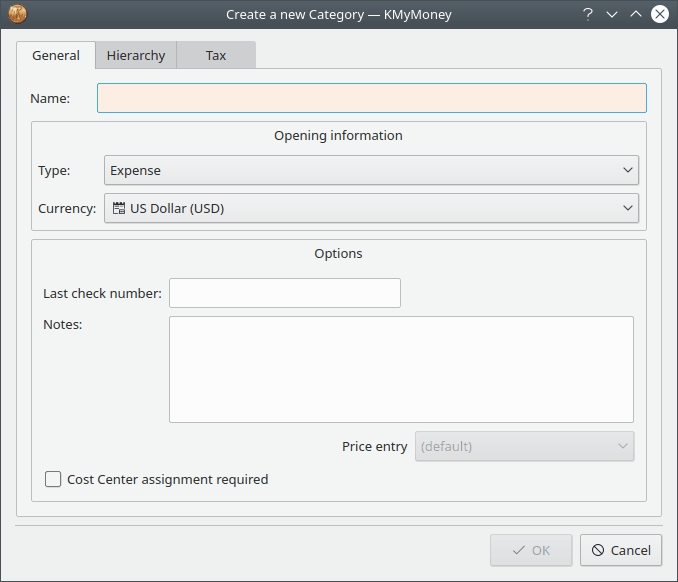
There are 3 ways to create a new category: select the → menu item, right-click a parent in the tree in the Categories View and select the option, or directly type the name of the new category when adding or editing a transaction in the Ledger. Doing any of these steps will direct you to the Create a new Category dialog. This dialog contains three tabs: General, Hierarchy, and Tax. The General tab includes editable fields for the new category name, type, and currency (with the default currency preselected,) as well as options for Last check number, Notes, and a checkbox for Cost Center assignment required. In the Hierarchy tab, you are able to select the appropriate parent for the category. Finally, in the Tax tab, there are fields to enable and configure VAT support, and a checkbox to include this category in tax related reports.