 Select a Media
If you start Dragon Player from the application launcher or use (Ctrl+O) from the toolbar or from the menu this window is displayed:
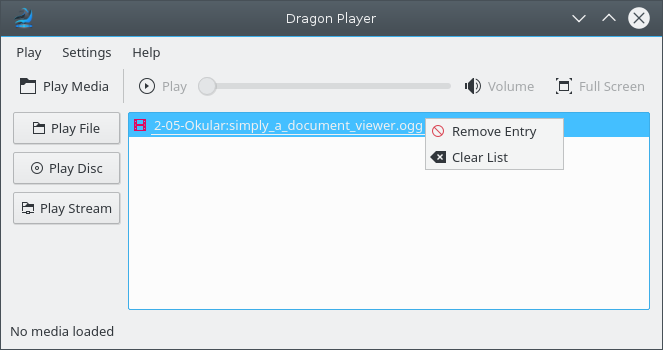
There are three ways to play a video file:
opens the file dialog and allows you to select a file to play.
to play a CD or DVD.
opens a dialog to enter an address of some multimedia stream.
Double click on an entry in the play list with recently opened files to start playing it. The context menu of the play list shows actions to remove a selected entry or clear the whole play list. Any file you played will be automatically added to the list.