 Configuring Kalzium
Kalzium has many configuration options, which you can access by opening the configuration dialog by selecting → from the menu.
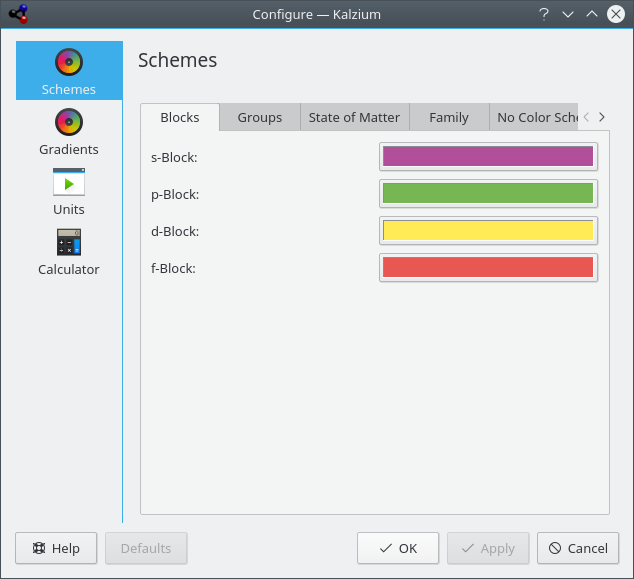
In the Schemes tab, you can change the different colors for each scheme.
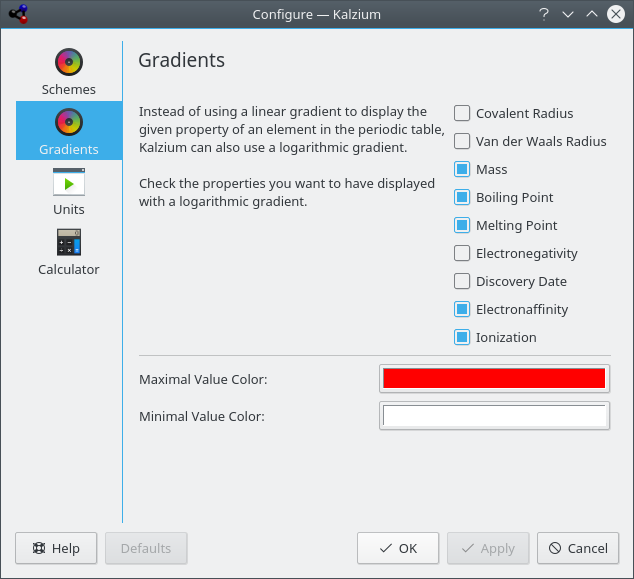
Instead of using a linear gradient to display the given property of an element in the periodic table, Kalzium can also use a logarithmic gradient.
In the Gradients tab, you can check the properties you want to have displayed with a logarithmic gradient.
You can also choose Maximal Value Color: and Minimal Value Color: for the gradient.
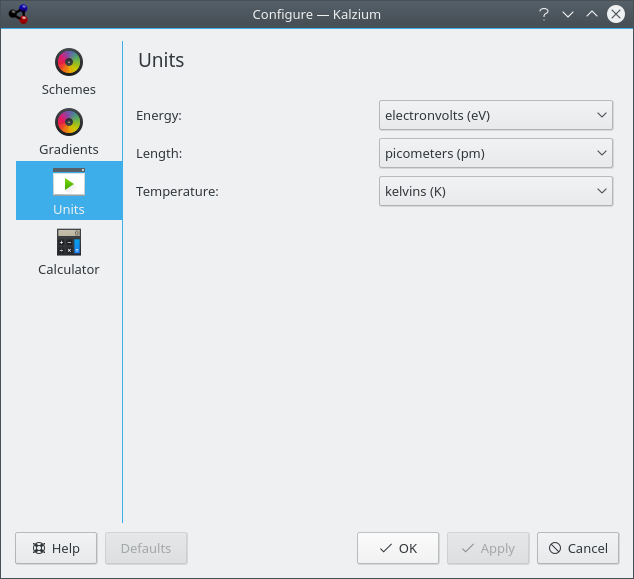
In the Units tab, you can choose the units for energy, length and temperature. You can select if you prefer electronvolts (eV), kilojoule per mole (kJ/mol), joule per mole (J/mol) or joules (J) by default. For length set picometers (pm), nanometers (nm) or Ångström (Å) as default. The temperature is in kelvin by default but you can change to Celsius (°C), Fahrenheit (°F) and Réaumur (°Ré).
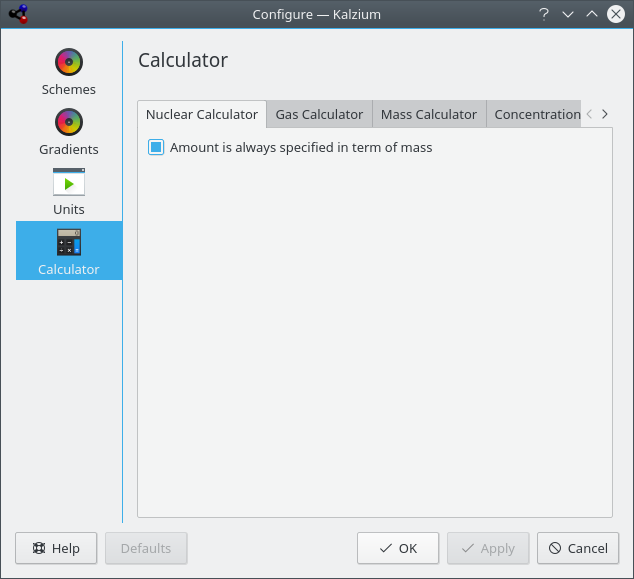
Using the Calculator page, you can configure Kalzium calculators.